
Ask Flockly
Your idea is the starting point. Ask for a new campaign, refine a scene or plan your next posts. Flockly brings your products into the conversation.
 AI social media, built for Shopify
Create campaign images and videos from your Shopify products. Write captions, schedule your posts and connect social activity to store sales. One app, right inside Shopify.
Try Flockly free for 14 days. Choose your plan in Shopify.
YOUR AI ASSISTANT, INSIDE SHOPIFY
Tell Ask Flockly what you need. Create and refine product images, organise ready drafts into a schedule, or get an answer from your store’s analytics.
Meet Ask FlocklyFrom a product photo to the formats your channels need.
Your idea is the starting point. Ask for a new campaign, refine a scene or plan your next posts. Flockly brings your products into the conversation.
A product photo. A scene you love. Turn your references into AI video, with your choice of length, sound effects or voiceover.
One creative, ready for more places. Crop for the feed, resize for a Story or expand your image into a new canvas with AI.
MADE FOR YOUR FEED
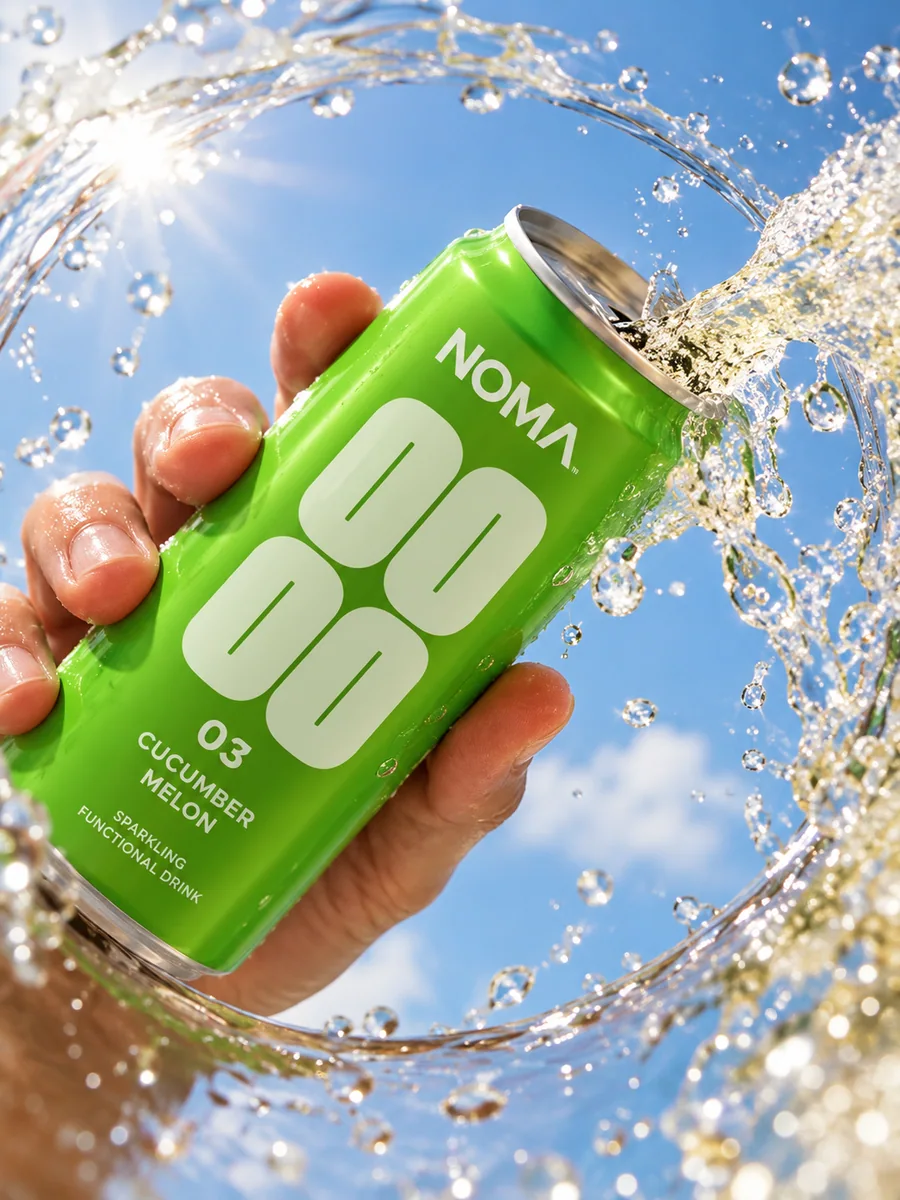
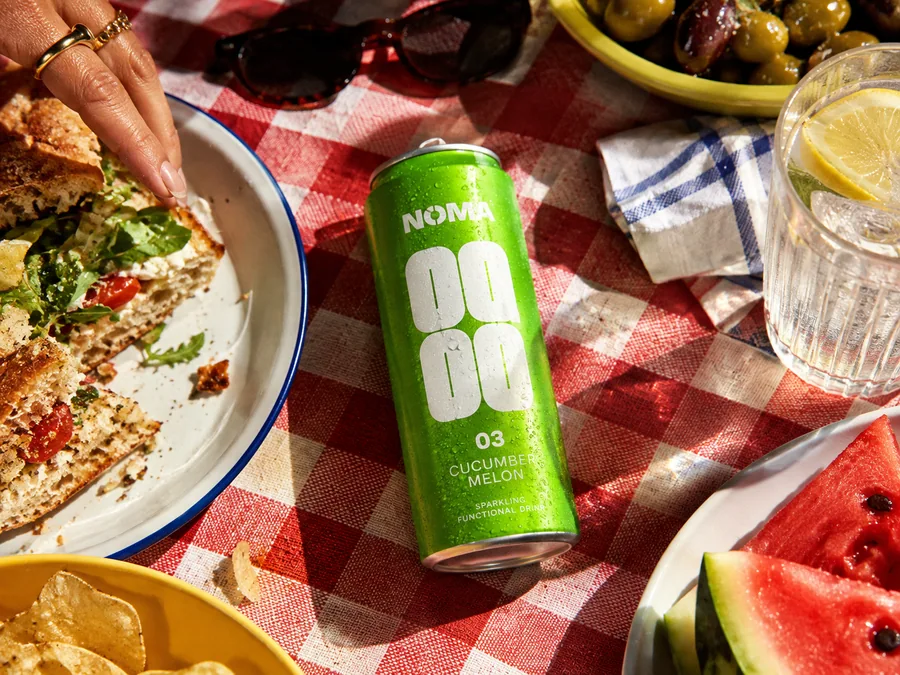
Product shots, a sunny lunch, a new colour story. Build a campaign around the photos in your Shopify catalogue, then shape each post for the feed it belongs in.

drinknoma Good company. Great taste. Bring a little NOMA along.
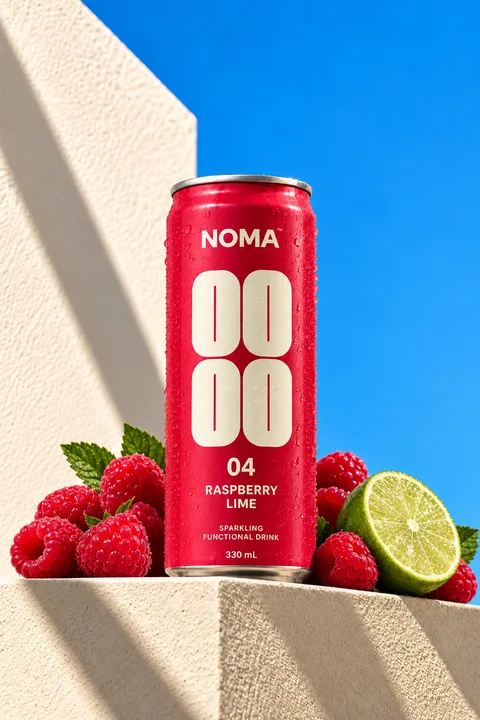
drinknoma A fresh perspective on your daily refreshment.

drinknoma Out of office. Into the sunshine.
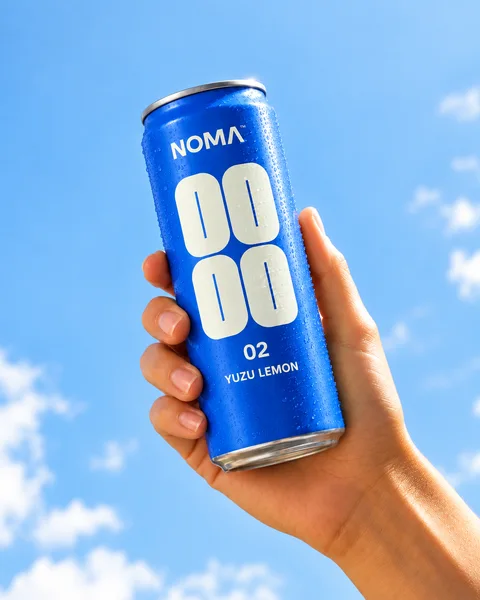
drinknoma Meet your new squeeze. A little citrus, a little sunshine.
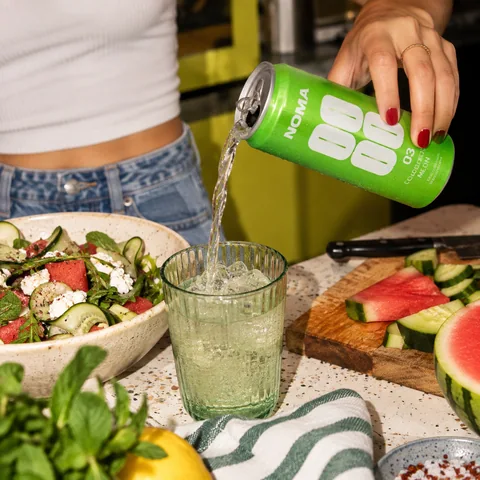
drinknoma Lunch plans, upgraded. Pour yourself something good.
Choose your ready drafts, set a weekly pace and decide whether to include weekends. Smart Schedule proposes posting times in your store’s timezone. Review the plan once, then let Flockly publish on schedule.
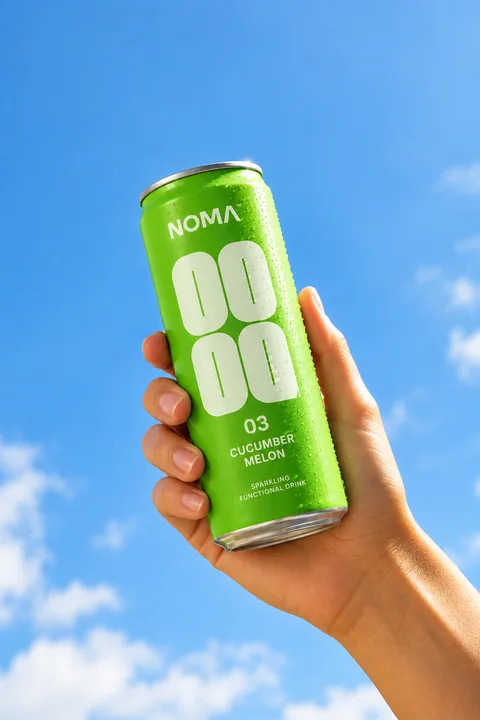
A little sunshine in every sip.
A fresh take on your afternoon.
Good days start here.
Review or edit any slot before scheduling.

SHOP please! This looks so good.

Love this for summer.
Your afternoon refresh. Comment SHOP for the link.
Turn comments into conversations, and “where can I buy this?” into a link to your store.
Reply to Instagram, Facebook and LinkedIn comments from one inbox. Your Instagram DMs are here too.
Choose a keyword and write your reply. When someone comments “SHOP”, your Instagram Auto-DM sends the product link.
Auto-DM is included with Growth and Scale.
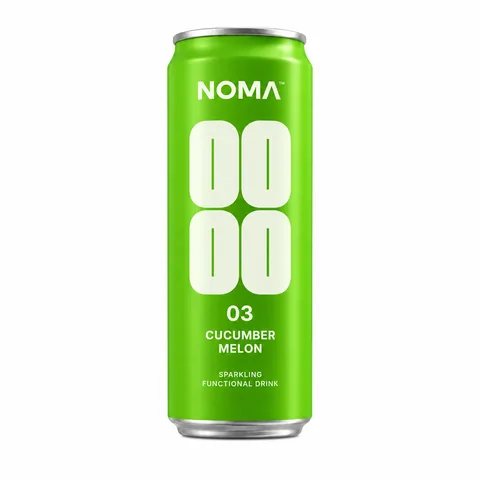
A little sunshine in every sip.
Shop all drinks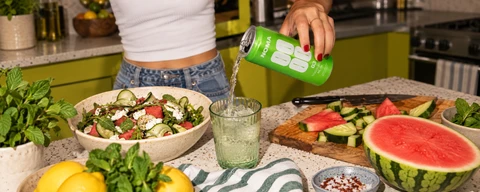
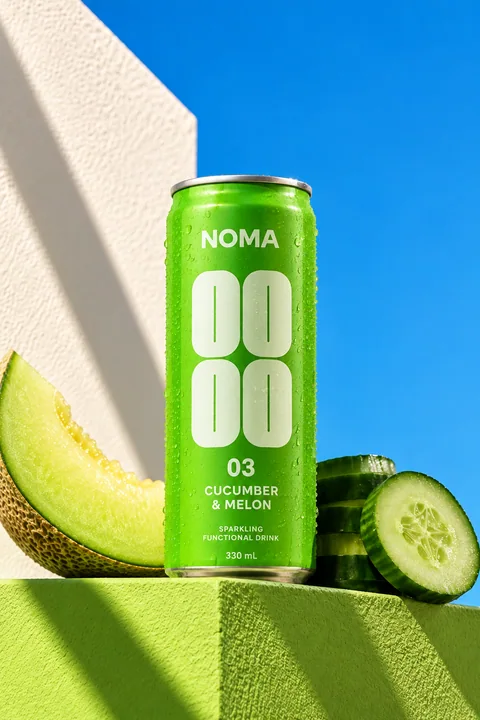 Cucumber & MelonRaspberry & Lime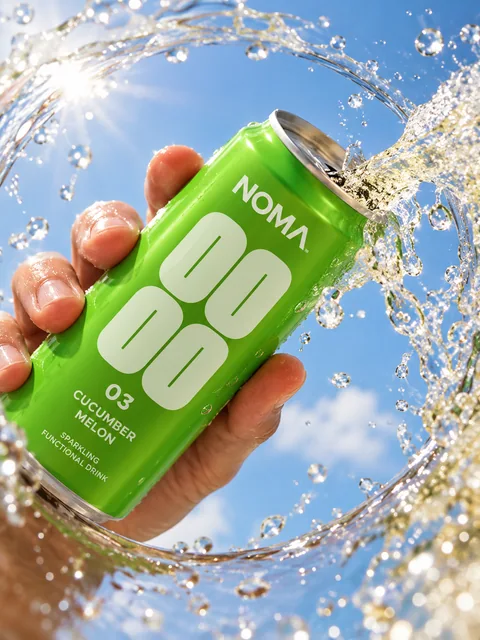
A little sunshine in every sip.
Shop nowGive every “where can I buy this?” a clear answer. Turn your link in bio into a Shop Grid, where shoppers can find the products behind your posts and head straight to your store.
Follow tracked clicks through to attributed Shopify orders. See which content brings people to your products, and use that insight for your next post.
Explore Shop GridSee which channels get attention and which social visits lead to Shopify orders. Ask Flockly to turn the numbers into a clear explanation.
Understand your social performance.
Channel visibility across the selected dates.
Compare the contribution from each channel.
Compare visibility and interactions across your connected accounts.
Connect tracked social visits with attributed Shopify orders.
Get an explanation from your store’s available data, right where you work.
An image tool here. A scheduler there. Reports in another tab. Bring the work together in Flockly, from your first idea to your next sale.
| Capability | Flockly | Separate tools |
|---|---|---|
| AI product images and video | Included | Creative tool |
| Captions and post creation | Included | Writing tool |
| Scheduling across six channels | Included | Social scheduler |
| Shopify sales attribution | Included | Store reports |
| Shoppable link in bio | Included | Link-in-bio tool |
| Ask AI about your store’s results | Included | Cross-check your reports |
One subscription, from $19/month. Compare allowances in our plans below.
You know your products. Flockly helps turn them into campaign images, videos and scheduled posts, without a monthly agency retainer.
Published managed-service packages start at $1,500 and range to $5,000 per month. These are external agency fees, not Flockly prices.
An agency supplies a team to manage your content. Flockly is software you use yourself. Service scope and output differ.
View the published example Checked 25 September 2026. An example, not a market average.$1,500+
USD / month, starting price
Managed service$19
USD / month
AI tools you controlAn agency does the work for you. With Flockly, you create, review and approve your content.
See Flockly plans 14-day free trial. Starter includes 120 creative credits each month.AI CREATION. SCHEDULING. ANALYTICS.
Start with a 14-day free trial. Every plan includes all six channels, unlimited scheduled posts, and AI images and video.
Start creating and publishing.
$19/ month
Billed monthly
AI creative, scheduling and the essentials for running your socials.
Get FlocklyMore creative, deeper analytics.
$49/ month
Billed monthly
More creative credits, full analytics and automated Instagram replies.
Get FlocklyKeep up with a bigger content plan.
$99/ month
Billed monthly
More creative capacity, finer scheduling control and priority support.
Get FlocklyPrices in USD. Billed through Shopify. Creative credits renew monthly.
Compare every featureEverything you need to know before your first post.
Have another question?Yes. Flockly runs inside your Shopify admin, with your products and media close at hand. You can create content, schedule posts and follow attributed sales without building a separate product catalogue.
Instagram, TikTok, Facebook, Pinterest, LinkedIn and X are included on every plan. YouTube, Bluesky and Threads are coming soon. Supported post formats and account requirements vary by channel. The community inbox supports Instagram, Facebook and LinkedIn comments, plus Instagram DMs.
Yes. Review and edit your content before scheduling it. Smart Schedule suggests a plan for your drafts, and you approve it before posts are scheduled. Flockly publishes the posts you have scheduled at their chosen times.
Yes. Choose a product from Shopify, use an image from your media library or upload your own. Add brand context and optional inspiration, then refine your images and videos in Creative Studio. Always review product details before publishing.
Your plan includes a monthly pool of creative credits for AI images, edits and video. You see and approve the credit quote before generation starts. Different jobs use different amounts. Credits renew each calendar month, and unused credits do not roll over.
Flockly connects tracked social and Shop Grid clicks with attributed Shopify orders. Attribution covers the journeys Flockly can track, so it is not a count of every sale influenced by social media. Growth and Scale include more detailed channel and post analytics.
Every plan includes a 14-day free trial. Choose your plan and approve it through Shopify. Your subscription is billed through Shopify after the trial if you keep it active. You can manage your plan from Settings, then Plan & billing.